

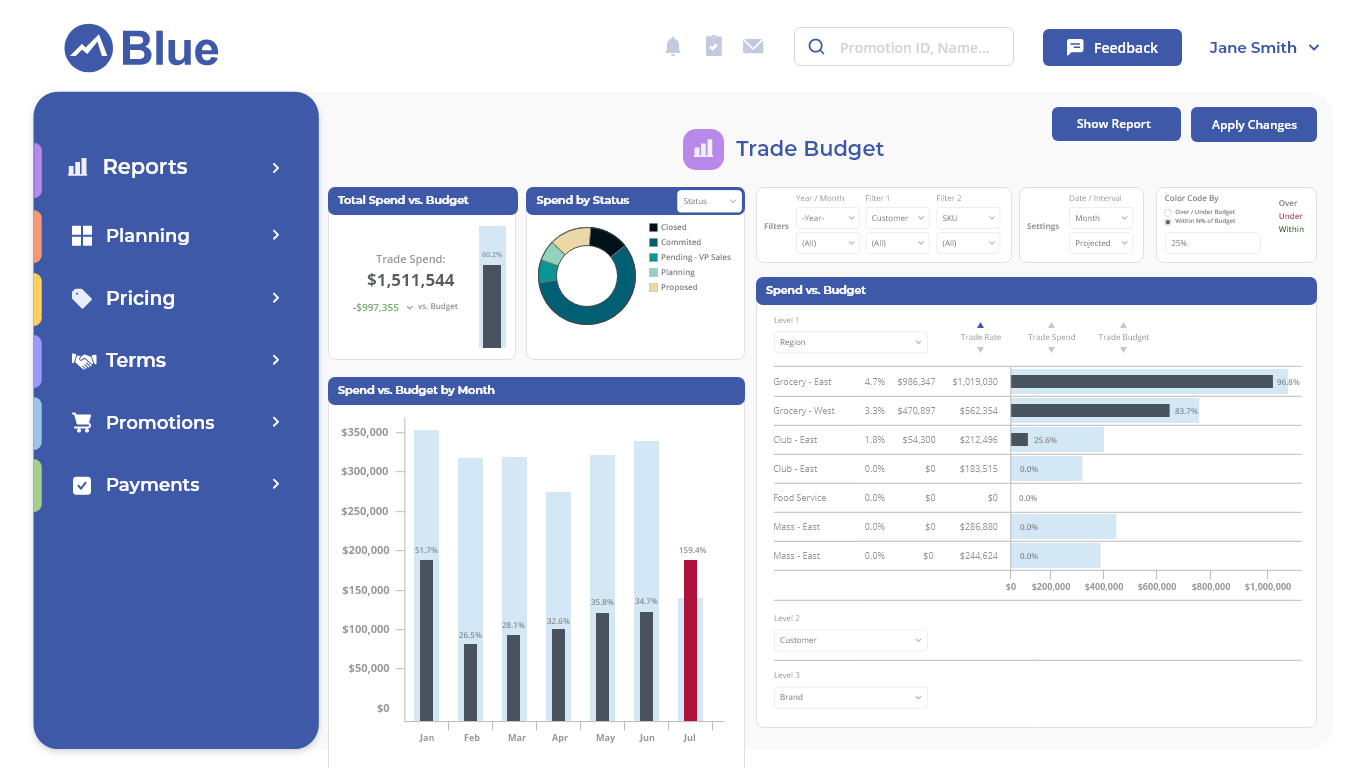
Account teams see their remaining balance while they plan, and headquarters sees utilization across every customer
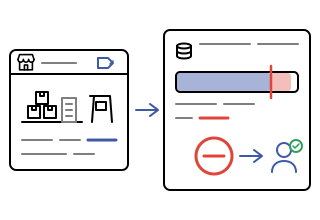
Funds are checked when a promotion is created or changed, not after the spend has happened
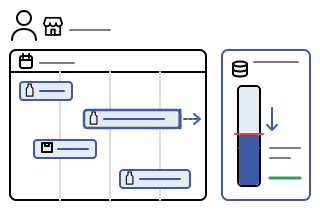
Account managers see the fund balance move with every promotion edit, so the plan stays within authorization
Reports and dashboards show committed, projected, and remaining funds by customer, product, and period
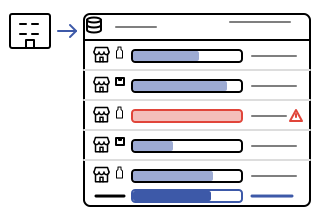
Define an account's authorized spend as variable budgets using spend rates, fixed values, or both, and attach the conditions that govern where it can be used.
Scope every fund to the customers, products, time period, and spend reason it covers, so funds are consumed only by the activity they were authorized for.
Business rules check fund balances when promotions and terms are planned, and workflow approval stages trigger when an exception is present.
Reports and dashboards present funds against projected spending (forecast plus actuals), compared to budget, original forecast, and prior periods.
As variable budgets using spend rates, which can be customer- or product-specific, as fixed values, or as a combination. Additional scope conditions define exactly where the fund applies.
Customers, products, a time period, and a spend reason. A promotion only draws on a fund when it matches all of the fund's scope conditions.
The business rule flags the exception at planning time and can trigger a workflow approval stage, so the overspend is reviewed before it is committed rather than discovered after the fact.
The fund balance is visible where promotions are planned and updates as promotions are added or changed, so account managers know how much authorization remains before they submit.
Reports and dashboards show fund utilization across customers, comparing committed and projected spending to budget, the original forecast, and prior periods.